Which Platforms Offer Professional Branding Templates for Resumes and Portfolios? Top Picks Revealed
Looking to make a strong first impression with your resume or portfolio? Choosing the right professional branding template can be the game-changer you need.
But with so many platforms offering countless designs, how do you find the perfect fit that highlights your skills and personality? You’ll discover which platforms provide top-quality, easy-to-use templates crafted to help your resume and portfolio stand out.
Whether you want something sleek and minimalist or bold and creative, you’ll learn where to find templates that match your career goals and make your application impossible to ignore.
Ready to elevate your personal brand? Let’s dive in!

Top Platforms For Resume Templates
Choosing the right platform for resume templates can shape your job application. A professional design helps your resume stand out. Several platforms offer easy-to-use, polished templates. They suit different needs and experience levels. Explore these top platforms for quality resume templates.
Zety And Resume.io
Zety and Resume.io provide modern, customizable templates. Their designs balance style and professionalism. Users can create resumes that highlight skills clearly. Both platforms guide you through the writing process. Templates are ATS-friendly, which improves your chances with recruiters.
Microsoft Word And Google Docs
Microsoft Word and Google Docs offer free, accessible resume templates. They feature simple, clean layouts suitable for many industries. Users can easily edit and personalize templates. These platforms are widely available and familiar to most users. They support quick resume updates and easy sharing.
Beamjobs And Novorésumé
BeamJobs and Novorésumé focus on professional, modern resume designs. Their templates highlight achievements and skills effectively. Both platforms include helpful tips for each section. Novorésumé offers a sleek interface with advanced customization. BeamJobs provides options for various career stages.
Best Sites For Portfolio Templates
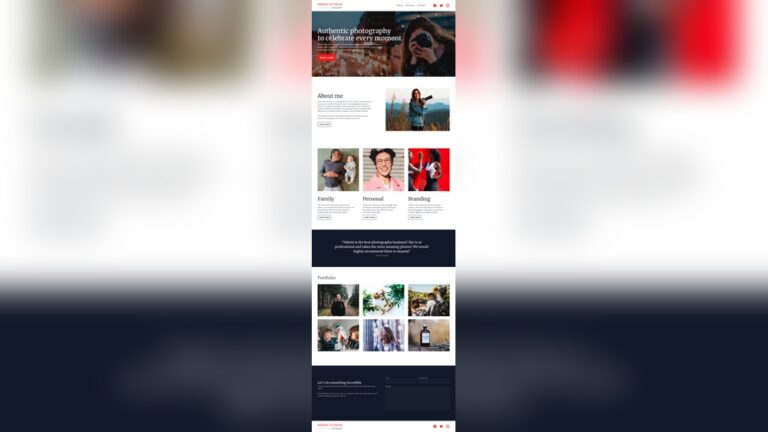
Finding the right portfolio template can boost your professional image. The best sites offer clean, customizable designs. These platforms help create portfolios that stand out. They cater to different skills and industries. Here are some top sites to explore.
Adobe Portfolio And Behance
Adobe Portfolio offers sleek templates ideal for creatives. It connects easily with Behance, a popular creative community. Users can showcase work and get feedback.
Both platforms support high-quality images and videos. They allow easy customization to match your style. Adobe Portfolio is free with Adobe Creative Cloud subscriptions.
Wix And Squarespace
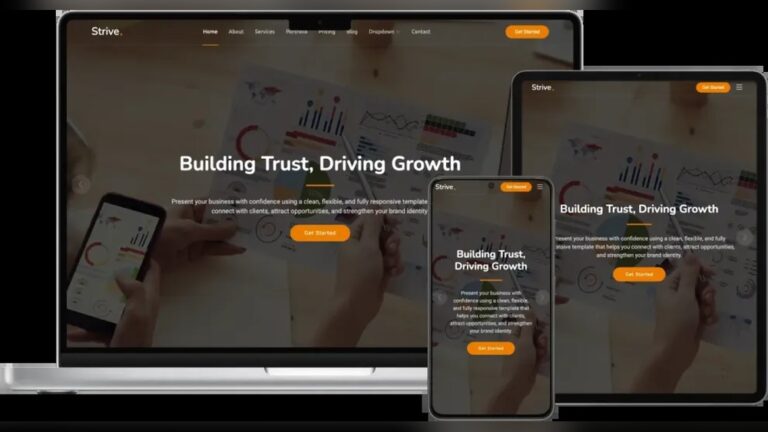
Wix provides drag-and-drop tools with many portfolio templates. It suits beginners who want a quick setup. Templates are modern and fully responsive for mobile devices. Squarespace offers elegant, professional designs with great visuals.
It includes built-in tools for blogging and e-commerce. Both platforms give domain hosting and easy website management.
Dribble And Crevado
Dribble focuses on designers sharing small work samples. It acts as both a portfolio and a community site. Crevado offers simple, no-coding portfolio-building options. It supports images, videos, and PDFs. Crevado templates are clean and easy to navigate. Both platforms help creatives reach potential clients and employers.
Key Features Of Professional Templates
Choosing the right template style depends on your career stage and goals. Templates vary to highlight your strengths at different experience levels. Using an appropriate style improves readability and impact.
Many platforms offer professional templates designed for specific needs. These styles include reverse chronological, functional, combination, and minimalist designs. Each style suits particular career situations.
Reverse Chronological For Most Professionals
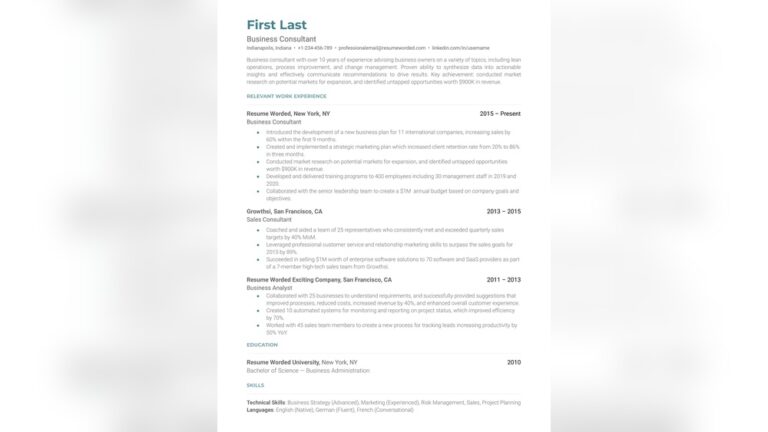
This style lists jobs starting with the most recent. It suits professionals with a steady work history. It highlights career growth and job titles clearly. Hiring managers prefer this format for its simplicity and clarity.
Platforms like Zety and Resume.io provide modern reverse chronological templates. These templates include clean fonts and clear section headings. They make it easy to showcase accomplishments and skills. This style works well for most industries and roles.
Functional And Combination For Career Changers
Functional templates focus on skills, not dates. They help those changing careers or have gaps in their work history. Combination templates mix skill highlights with a brief work timeline. Both emphasize abilities over job chronology. These templates suit users who want to showcase transferable skills.
Many resume platforms offer these flexible formats. They often include sections for projects and certifications. This style helps career changers present relevant strengths.
Minimalist Designs For Entry-level
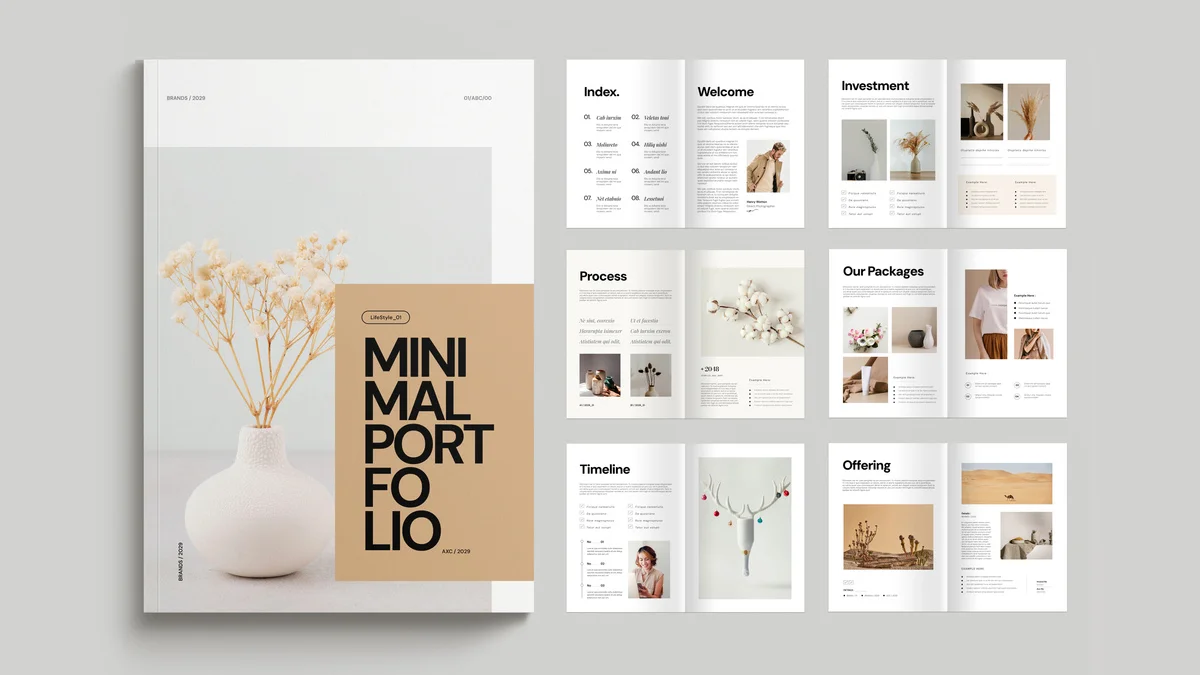
Minimalist templates feature simple layouts with plenty of white space. They suit entry-level candidates with limited work experience. These designs focus on education, internships, and projects. Clean fonts and simple headings improve readability.
Platforms like Canva and Microsoft Word offer minimalist templates. These templates help beginners create a professional look quickly. They avoid clutter and keep focus on key details. Minimalist styles support clear, straightforward presentations.
Template Styles By Experience Level
Customizing templates for your industry improves your resume and portfolio impact. Different fields require different styles and details. Tailoring your template shows you understand your profession’s expectations. It makes your application more appealing to hiring managers.
Creative Fields Versus Corporate Preferences
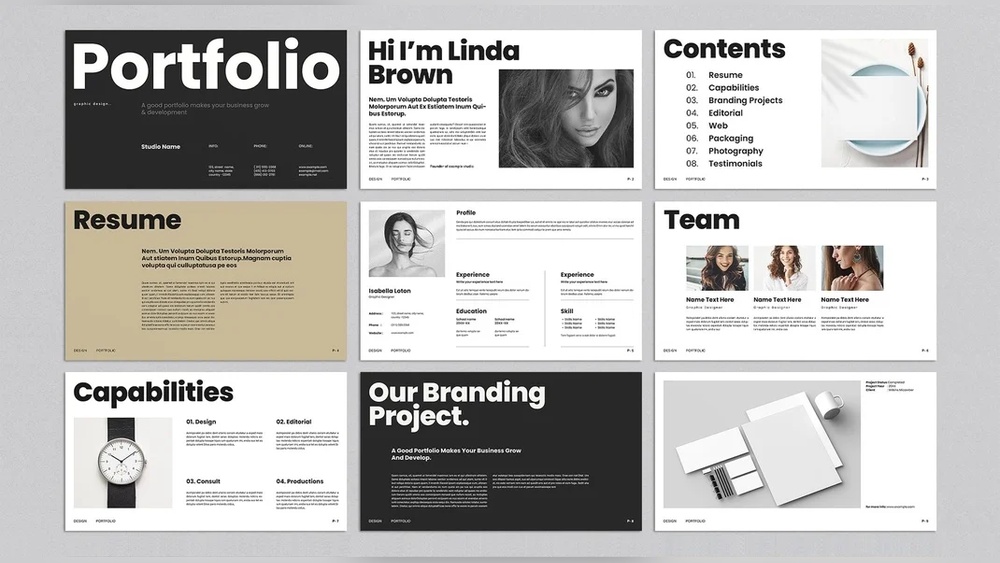
Creative industries welcome bold colors and unique layouts. Portfolios for designers, artists, and writers benefit from personal style. Use templates that highlight visuals and creativity. Corporate sectors prefer clean, simple, and formal designs.
Resumes for finance, law, or administration focus on clarity. Choose templates with clear sections and easy-to-read fonts.
Tailoring Templates for Job Applications
Adjust your template for each job you apply to. Emphasize skills and experience relevant to the role. Remove sections that do not add value to the specific position.
Add keywords from the job description. This increases the chances of passing Applicant Tracking Systems (ATS). Use a consistent style that matches your industry’s norms.
Proofreading And Final Touches
Check your customized template carefully before submitting. Fix spelling and grammar mistakes. Ensure all contact information is correct. Keep the layout balanced and neat. Avoid overcrowding with too much text or images. A polished resume or portfolio makes a strong first impression.
Customizing Templates For Your Industry
Professional branding templates come in different formats. Each style suits unique career paths and goals. Understanding these popular template formats helps you pick the best one. Choose a format that highlights your strengths clearly and professionally.
Templates focus on clean design and easy reading. They help your resume or portfolio stand out without confusion. Employers prefer formats that show information quickly and neatly.
Reverse Chronological
This format lists jobs starting with the most recent. It shows your career progress clearly. Employers like it for easy scanning of work history. It suits people with steady job experience and growth. This template highlights your latest roles and achievements first.
Hybrid/combination
This format blends skills and work history. It starts with key skills, followed by job experience. It works well for career changers or those with gaps. It lets you showcase talents and relevant jobs together. This style balances abilities and employment detail effectively.
Functional And Executive
Functional templates focus on skills over dates. They suit people with varied job histories or breaks. Executive templates highlight leadership and big results. They emphasize accomplishments and management roles. Both formats help present your strengths boldly and clearly.

Frequently Asked Questions
Which Platform Is Best for Portfolios?
Adobe Portfolio, Behance, Wix, Squarespace, and WordPress rank among the best platforms for creating professional portfolios. They offer customizable templates, easy editing, and strong visual appeal to showcase your work effectively. Choose based on your design needs and technical comfort.
Which Is the Best Professional Resume Template?
The best professional resume template is a Reverse Chronological or Hybrid format. It features clear sections, clean fonts, ample white space, and highlights achievements. Templates like Zety’s Cascade or Microsoft Word’s built-in options balance readability and ATS compatibility, ensuring a polished, modern look for most industries.
Which Template Do Most Employers Prefer for Resumes?
Most employers prefer the Reverse Chronological resume template. It clearly highlights work experience and skills in a clean, ATS-friendly format.
Which Platform Is Best for Resume Making?
Zety, Resume. io, and Microsoft Word offer the best platforms for resume making. They provide ATS-friendly, professional templates with clear layouts. Choose templates based on your industry and experience for effective, tailored resumes.
FAQ:
Which Platform Is Best for Portfolios?
Adobe Portfolio, Behance, Wix, Squarespace, and WordPress rank among the best platforms for creating professional portfolios. They offer customizable templates, easy editing, and strong visual appeal to showcase your work effectively. Choose based on your design needs and technical comfort.
Which Is the Best Professional Resume Template?
Best professional resume template is a Reverse Chronological or Hybrid format. It features clear sections, clean fonts, ample white space, and highlights achievements. Templates like Zety’s Cascade or Microsoft Word’s built-in options balance readability and ATS compatibility, ensuring a polished, modern look for most industries.
Which Template Do Most Employers Prefer for Resumes?
Most employers prefer the Reverse Chronological resume template. It clearly highlights work experience and skills in a clean, ATS-friendly format.
Which Platform Is Best for Resume Making?
Zety, Resume. io, and Microsoft Word offer the best platforms for resume making. They provide ATS-friendly, professional templates with clear layouts. Choose templates based on your industry and experience for effective, tailored resumes.
Conclusion
Choosing the right platform for professional branding templates boosts your job search. Many sites offer clean, simple, and effective resume and portfolio designs. Select templates that match your industry and personal style. Keep your documents clear, well-organized, and easy to read.
Customizing each application improves your chances of standing out. Use these tools to create a strong, professional impression. Your next opportunity could start with a well-crafted resume or portfolio.
https://akperbinalitasudama.ac.id/
https://akfisstlukastomohon.ac.id/
https://akbidjakartamitrasejahtera.ac.id/
https://akperpemkabacehtenggara.ac.id
https://aklpemprovsumsel.ac.id/
https://poltekkessbengkulu.ac.id/
https://akabidartakabanjahe.ac.id/
https://atrowidyadharma.ac.id/
https://akbidhafsyahmedan.ac.id/
https://akbidindahmedan.ac.id/
https://akbiddelhusdelmed.ac.id/
https://akperharapanmamadeliserdang.ac.id/
https://stmiktrigunapati.ac.id/
https://akbidikabinalabuhanbatu.ac.id/
https://akbidbungabangsaaceh.ac.id/