Best Apps for Tracking Work and Life Balance: Ultimate Productivity Tools
Finding the right balance between your work and personal life can feel like juggling too many balls at once. You want to be productive without burning out and still have time to enjoy what matters most.
What if there were easy-to-use apps that help you keep everything on track? Whether you struggle to separate your work hours from your downtime or just want to organize your tasks better, the right tools can make a huge difference.
You’ll discover the best apps designed to help you manage your work and life balance effortlessly, giving you back control of your time and peace of mind. Keep reading to find the perfect app that fits your lifestyle and boosts your productivity without sacrificing your well-being.

Top Apps For Work-life Balance
Work-life balance apps help manage daily tasks and reduce mental overload. They bring structure to both work and personal activities. Using the right app can make routines smoother and more organized.
These apps are designed to improve focus, reduce stress, and keep everything in one place. Below are some of the best tools for maintaining balance.
Todoist For Task Lists
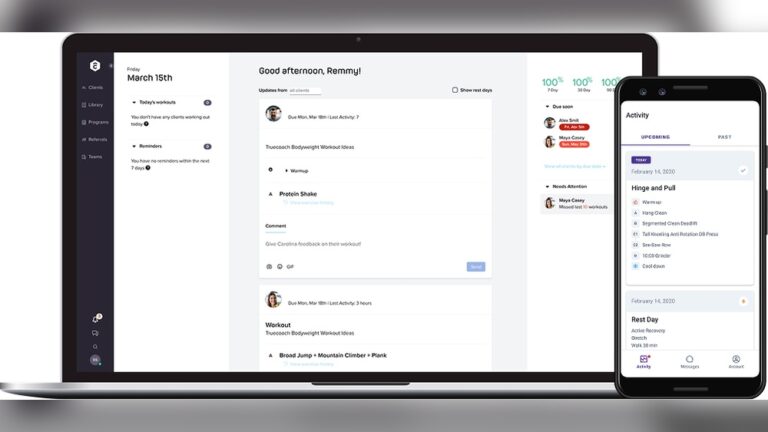
Todoist is a simple and powerful task management app. It allows users to create task lists, set deadlines, and prioritize work easily. Tasks can be grouped into work, personal, or daily routines.
The app works across devices, so tasks stay updated everywhere. Reminders help avoid missed deadlines. Todoist is ideal for people who want clarity and simplicity in daily planning.
.
Notion For Personal Organization
Notion is an all-in-one organization tool. It combines notes, task lists, calendars, and databases in one platform. Users can customize pages for work, personal life, goals, or habits.
This flexibility makes Notion suitable for planning long-term goals and daily tasks. It helps keep ideas and schedules organized in one space, reducing mental clutter.
Asana For Goals and Reporting
Asana helps manage goals, projects, and deadlines visually. It breaks large tasks into smaller steps and tracks progress clearly. This helps avoid overload and burnout.
Asana is useful for both individuals and teams. It shows what needs attention and what is completed. The clear layout supports better planning and balanced workloads.
Monday.com For Progress Tracking
Monday.com uses boards and timelines to track tasks and progress. It shows what is done, what is pending, and what comes next. This clarity helps manage time efficiently.
The platform works well for personal planning and team collaboration. It balances workload and deadlines, making work feel more controlled and less stressful.
Best Time Tracking Tools
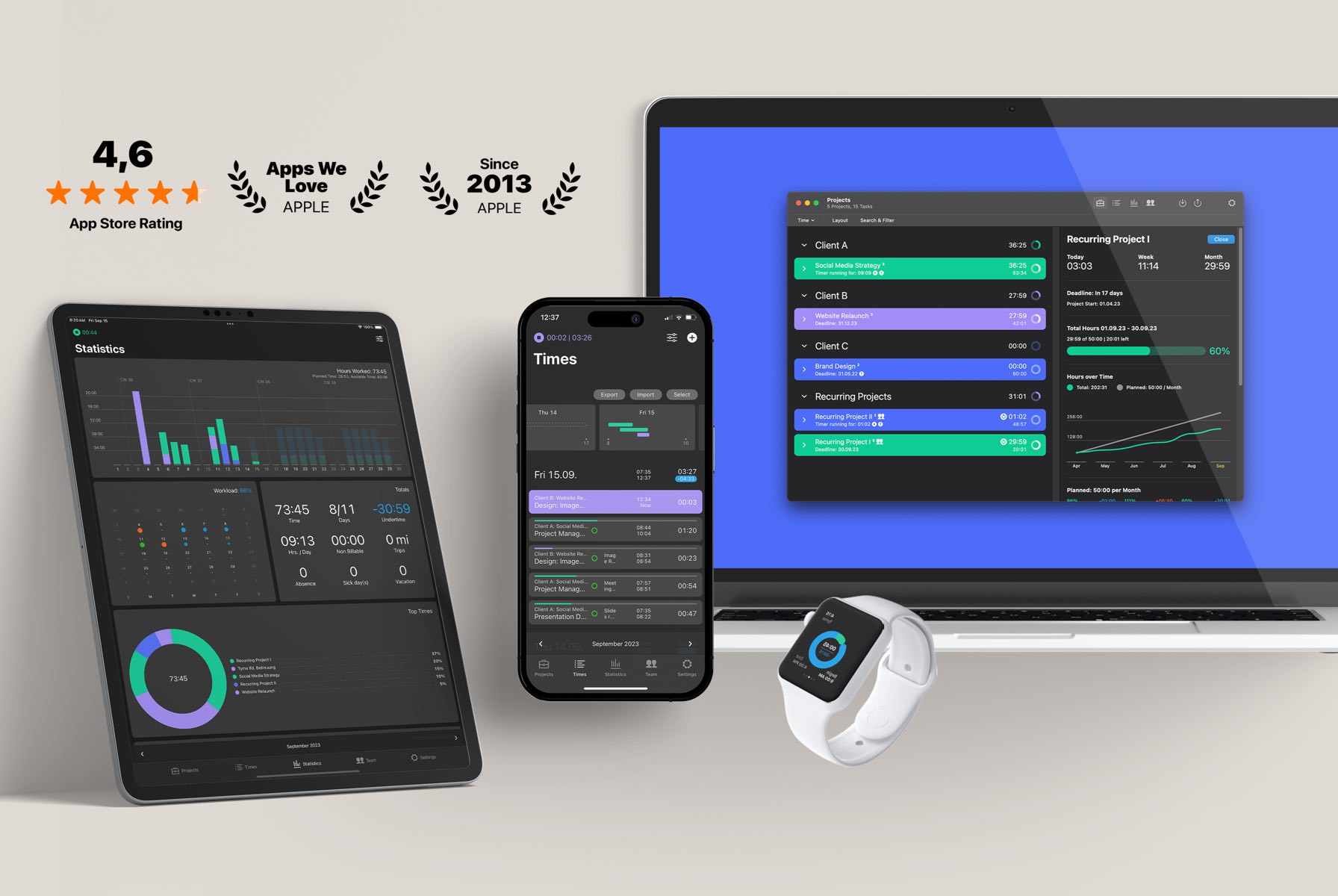
Time tracking tools show where time is actually spent each day. They help identify distractions and improve focus. Tracking time also prevents overworking and burnout.
Different tools offer different styles, from manual tracking to full automation. Choosing the right one depends on your work habits.
Clockify For Free Unlimited Tracking
Clockify offers free time tracking with no limits. Users can track time by tasks, projects, or clients. It works on web, desktop, and mobile devices.
Reports show daily and weekly activity clearly. Clockify is ideal for freelancers, remote workers, and small teams managing work hours.
Toggl Track for Simplicity
Toggl Track focuses on ease of use. Timers start and stop with one click. The interface is clean and distraction-free.
It supports reminders and integrations with other tools. Toggl is perfect for users who want fast, simple time tracking without complexity.
Timecamp For Automation
TimeCamp automatically tracks time based on app and website usage. It reduces the need for manual input. Tasks are categorized automatically.
The tool also supports invoicing and attendance tracking. Time Camp suits professionals who want automation and detailed reports.
Mem time for Background Logging
Mem time runs quietly in the background and records activity. It tracks apps and websites without interrupting work.
Users get detailed timelines to review time usage later. Mem time is ideal for people who forget to start timers manually.
Timeular With Physical Tracker
Timeular combines a physical device with a tracking app. Users flip the device to track different tasks.
This hands-on approach makes time tracking engaging. It suits users who prefer physical interaction over digital timers.
Business-focused Tracking Apps
Business-focused tracking apps help teams stay organized and productive. They offer tools to track work hours, manage tasks, and monitor employee activity. These apps improve communication and simplify payroll processes. They suit businesses of all sizes.
Choosing the right app depends on team size and specific needs. The following apps provide reliable features for managing work-life balance in a business setting.
Buddy Punch With Employee Authentication
Buddy Punch tracks employee hours with secure authentication. It uses facial recognition to verify identities. This reduces time theft and buddy punching. Managers can easily view and approve timesheets. The app integrates with payroll systems for smooth payment processing.
It supports scheduling, shift swapping, and GPS tracking. Employees clock in and out from mobile devices. Buddy Punch suits businesses needing strong attendance control.
Connecteam For Mobile Workforce
Connecteam is designed for mobile teams on the go. It offers time tracking, task management, and team communication. Managers assign tasks and monitor progress in real time. The app supports employee check-ins with location data.
It also features digital forms and training tools. Connecteam boosts productivity by keeping remote workers connected. It works well for businesses with field staff or multiple locations.
My Hours for Team Management
My Hours simplifies team time tracking and project management. Employees log hours by tasks or projects. Managers track time spent and analyze productivity. The app offers reports to help with budgeting and planning.
It supports invoicing based on tracked hours. My Hours has an easy-to-use interface for all skill levels. It fits small to medium teams managing multiple projects.
Features To Look For
Choosing the right app to track work and life balance means focusing on key features. These features help manage time effectively and reduce stress. Apps with the right tools improve productivity and personal well-being. Below are important features to consider.
Task Management And Prioritization
Good apps allow clear task listing and easy prioritization. You can sort tasks by urgency or importance. Setting deadlines helps avoid last-minute rushes. Some apps use color codes or labels for quick views. This keeps daily goals visible and manageable. Prioritizing tasks helps balance work and personal life.
Automated Vs Manual Tracking
Apps may offer automatic or manual time tracking. Automated tracking records time without much input. It is useful for busy users who forget manual entry. Manual tracking lets users log time in detail. This method offers more control over data. Choose based on how much effort you want to spend.
Integration With Other Tools
Integration with calendars, emails, and project tools saves time. It connects work tasks and personal plans smoothly. Syncing data prevents double booking and missed tasks. Apps that connect with tools you already use add value. This makes the app part of your daily routine.
Reporting And Analytics
Reports show where your time goes each day or week. Analytics highlight trends in work habits and breaks. This insight helps adjust schedules for better balance. Some apps offer visual charts for easy understanding. Regular review of reports supports continuous improvement.
Tips For Balancing Work and Life
Balancing work and life remains a challenge for many. Simple tips can help manage time and energy better. These methods create a healthy space for both professional and personal growth.
Setting Clear Boundaries
Set firm times for work and rest. Avoid checking emails or messages outside work hours. Use apps to block work notifications during personal time. This separation helps reduce stress and improve focus. Boundaries protect your time for family, hobbies, and relaxation.
Embracing Mindfulness
Practice mindfulness daily to stay present. Use apps with guided meditation or breathing exercises. Short mindfulness breaks improve concentration and calm the mind. Notice your feelings and thoughts without judgment. Mindfulness helps you respond better to work and life demands.
Seeking Support
Reach out to friends, family, or coworkers for help. Use social or team apps to stay connected and share challenges. Support reduces feelings of isolation and increases motivation. Don’t hesitate to ask for advice or assistance when needed. Building a support network strengthens your balance.
Regular Reflection
Set aside time weekly to review your goals and progress. Journaling apps can track your thoughts and improvements. Reflect on what works and what needs to change. Adjust your routines to maintain balance. Regular reflection keeps you aware and intentional about your work-life harmony.
FAQ:
What Is The 1 Productivity App?
1 productivity app varies by need, but Todoist, Notion, Asana, and monday. com lead for task management and organization.
How To Find a Balance Between Work and Life?
Set clear work boundaries and schedule personal time daily. Practice mindfulness to stay present. Use apps to track tasks and progress. Seek support from colleagues or family. Regularly reflect on your balance and adjust as needed.
What Is the Best App to Keep Track of Work Hours?
The best app to track work hours depends on your needs. Clockify offers free, unlimited tracking and detailed reports. Toggl Track provides a simple, user-friendly interface. Memtime automates background tracking for multitasking. Buddy Punch suits businesses needing employee management and payroll integration.
What Is The 1 Lifestyle App?
The 1 lifestyle app varies by need, but Todoist leads in task management, available on multiple platforms, and is user-friendly.
Choosing the right app helps balance work and personal life better. These tools keep tasks clear and time well-managed. Tracking progress creates space for rest and hobbies, too. Simple apps fit daily routines without extra stress. Try different options to find what suits you best.
Balance grows when you stay organized and mindful each day. Small steps lead to a healthier, happier lifestyle overall.